Turn any photo into a paint by numbers canvas
Convert your photo into a numbered canvas in seconds — then paint digitally in your browser or print a custom kit. Free to use, no signup, and your image never leaves your device.
Drop your photo here
or click to choose from your device · PNG, JPG, WEBP up to 25 MB
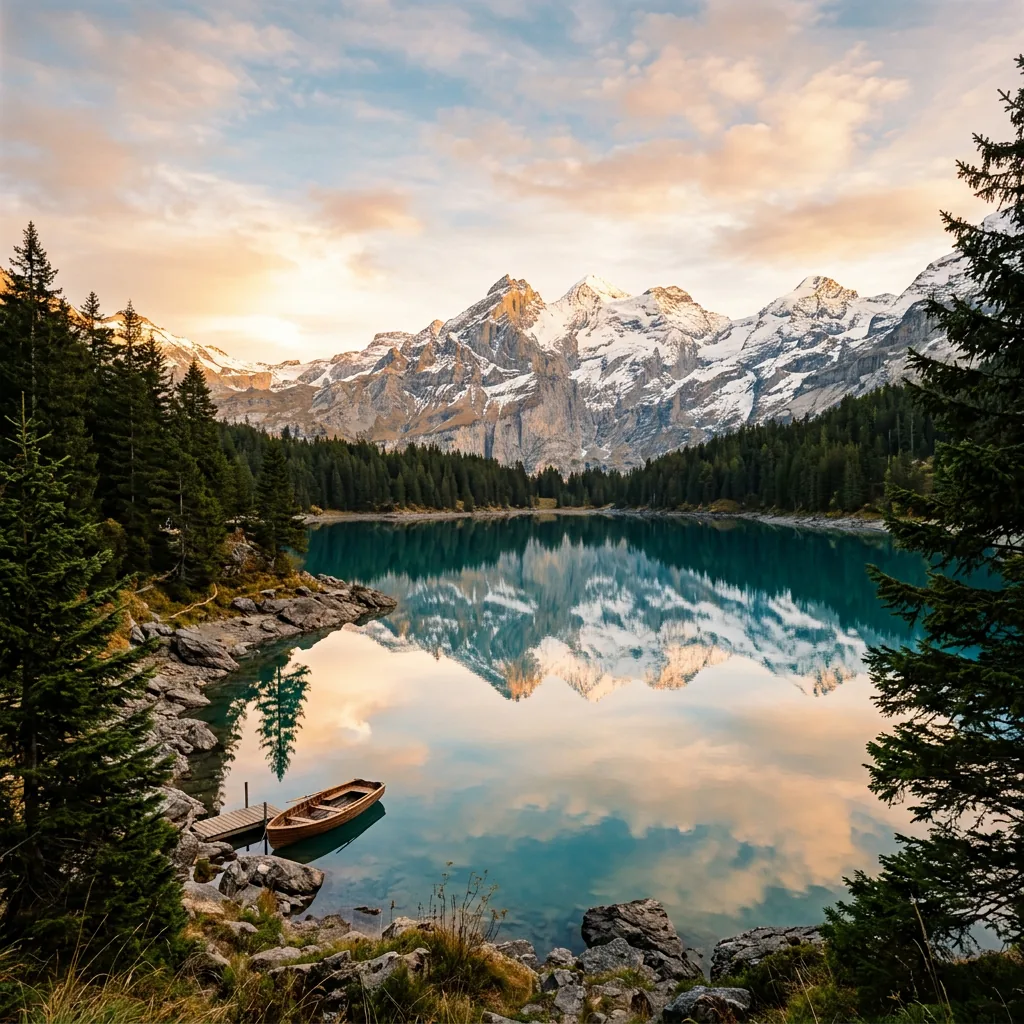
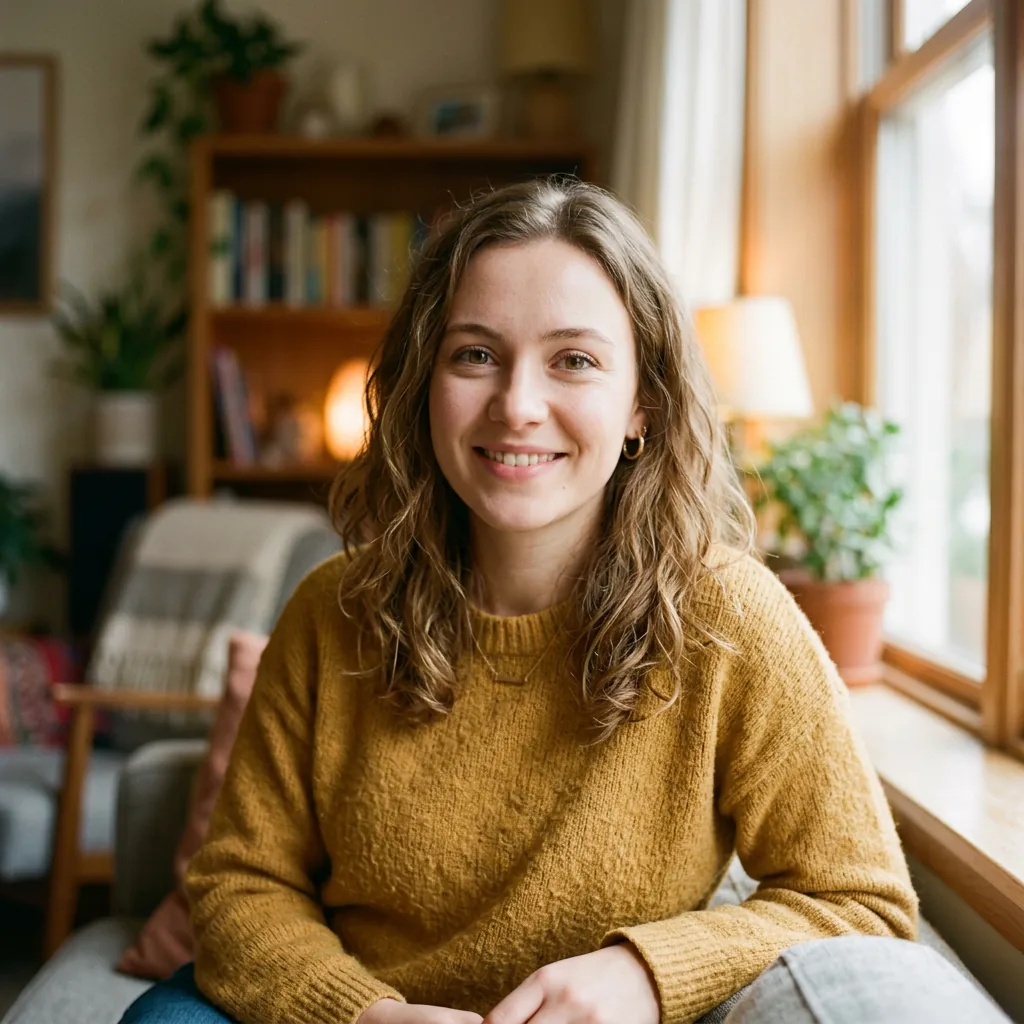
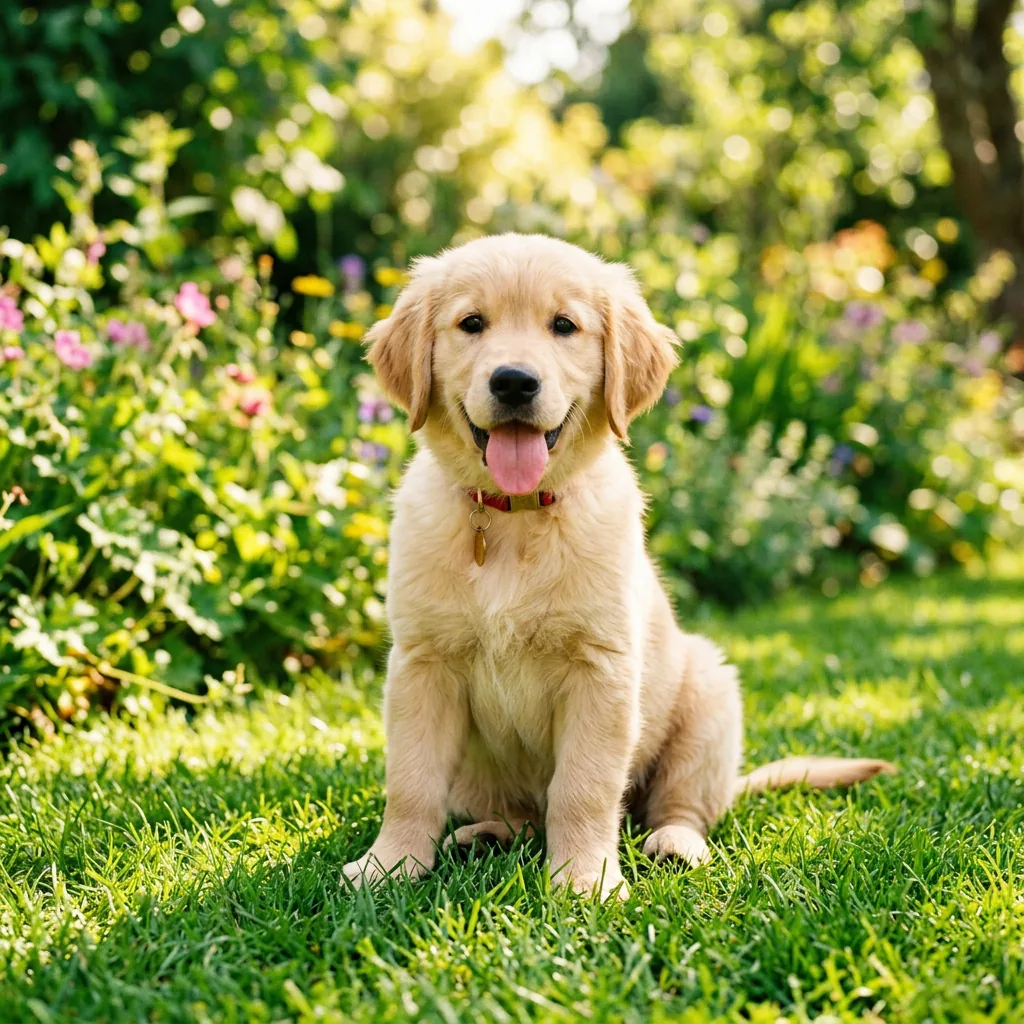
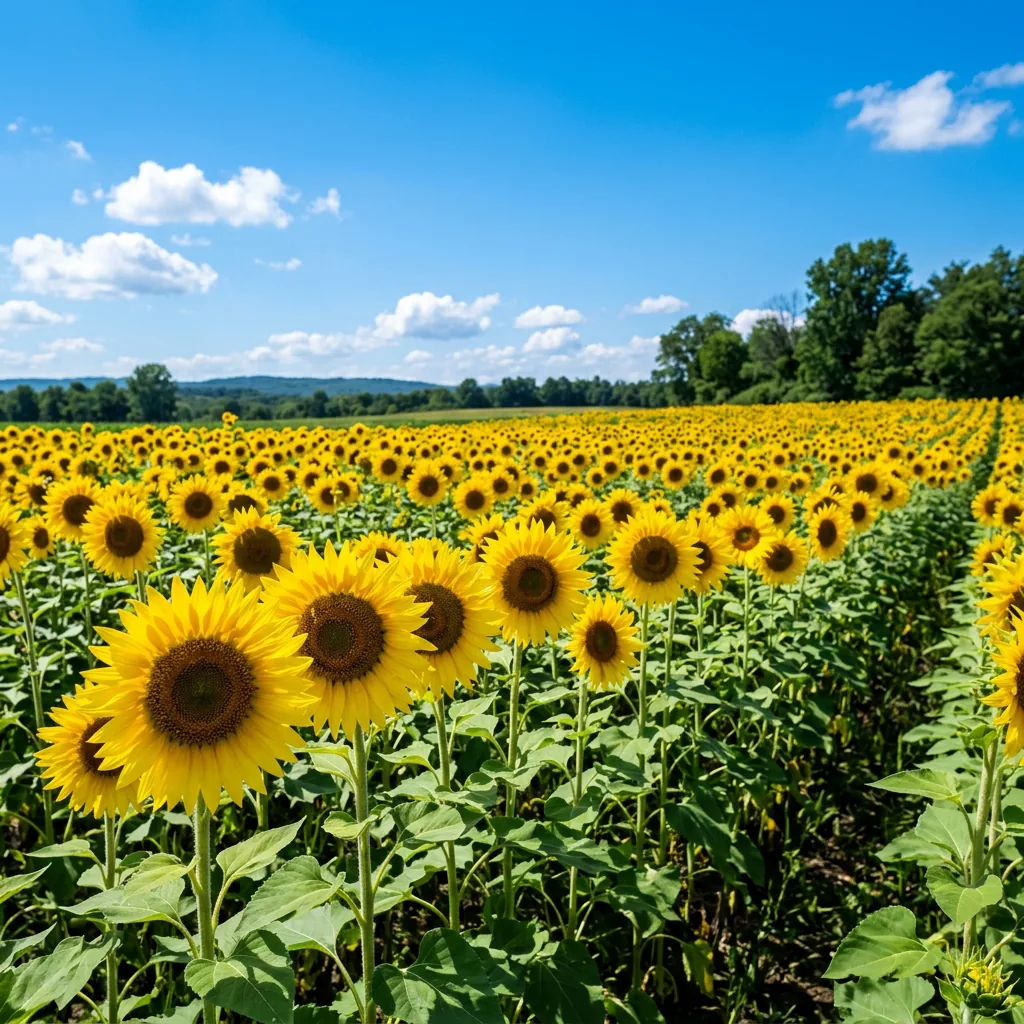
Best photos for paint by numbers
Landscapes, pets, flowers and portraits convert best. Try an example below, or upload your own photo to create a custom paint by numbers canvas.
Order a Cunstom Painting by Numbers Kit
How to make paint by numbers from a photo
From photo to numbered canvas in under a minute.
Upload a photo
Portraits, pets, flowers, landscapes — anything works. Your photo never leaves your device, so it's 100% private.
Adjust colors & detail
Choose how many colors and how much detail you want. Fewer colors mean bigger, easier sections; more colors add finer detail.
Paint digitally or print
Fill each numbered section in your browser with the bucket and brush tools, or print the numbered canvas and paint by hand.
Loved by hobbyists and beginners
I turned a photo of my dog into a custom paint by numbers canvas and started painting the same afternoon. It was surprisingly relaxing.
Knowing my photo never leaves my device made me actually try it. I used a photo I'd never share online.
Common questions
Is it free to use?
Yes — completely free. Convert unlimited photos into paint by numbers canvases and paint them digitally in your browser. Your canvases are saved privately on your device.
Do my photos leave my device?
No. Everything runs locally in your browser — processing, saving and painting all happen on your device. Nothing is uploaded to any server, so your photos stay 100% private.
Do I need painting experience?
None at all. Just follow the numbers and fill each section — the canvas guides you the whole way. Great for beginners, kids and anyone who wants to relax.
What image formats are supported?
You can upload PNG, JPG or WEBP files up to 25 MB. Most phone camera photos work perfectly. If your phone saves HEIC photos, convert them to JPG first.
What does Simplification Level do?
It controls section size: higher = larger, easier-to-paint shapes; lower = more detail and smaller sections. Start at 1 for a detailed canvas or 3+ for a quick, relaxing paint.
Can I paint digitally or do I need to print it?
Both. Paint directly in your browser with the bucket and brush tools, or download the numbered canvas and print it — a printable custom paint by numbers kit for painting by hand.
Can I use it on my phone or tablet?
Yes. The tool works on any modern browser, including mobile. Upload from your camera roll and paint on the go — pinch to zoom works too.
Is there a limit on how many canvases I can make?
No limit. Create as many as you want. Your canvases are saved in your browser so you can return to them anytime.
How do I convert a photo into paint by numbers?
Upload a photo, choose the number of colors and the simplification level, then click Create canvas. In seconds you get a numbered canvas ready to paint digitally or print.
What photos work best for paint by numbers?
Clear photos with good lighting and distinct shapes: portraits, pets, flowers, landscapes and simple objects. Busy or very blurry photos can produce muddier sections.
Free paint by numbers generator from any photo
Paint by numbers is one of the most relaxing hobbies around — and with our free online generator you can turn any photo into a custom paint by numbers canvas in seconds. Convert a family portrait, a pet photo or a favorite landscape: the tool automatically simplifies your image into numbered color sections that are ready to paint.
Everything runs right in your browser — no downloads, no signups, no uploads. Choose up to 32 colors, adjust the level of detail, then paint digitally with bucket fill and brush tools, or print a numbered kit and paint by hand. Because processing happens on your device, your photos stay 100% private — perfect for personal projects and gifts.